Now Launching: Stealth Mode

Rishabh Jain

Jan 16, 2026

5

mins

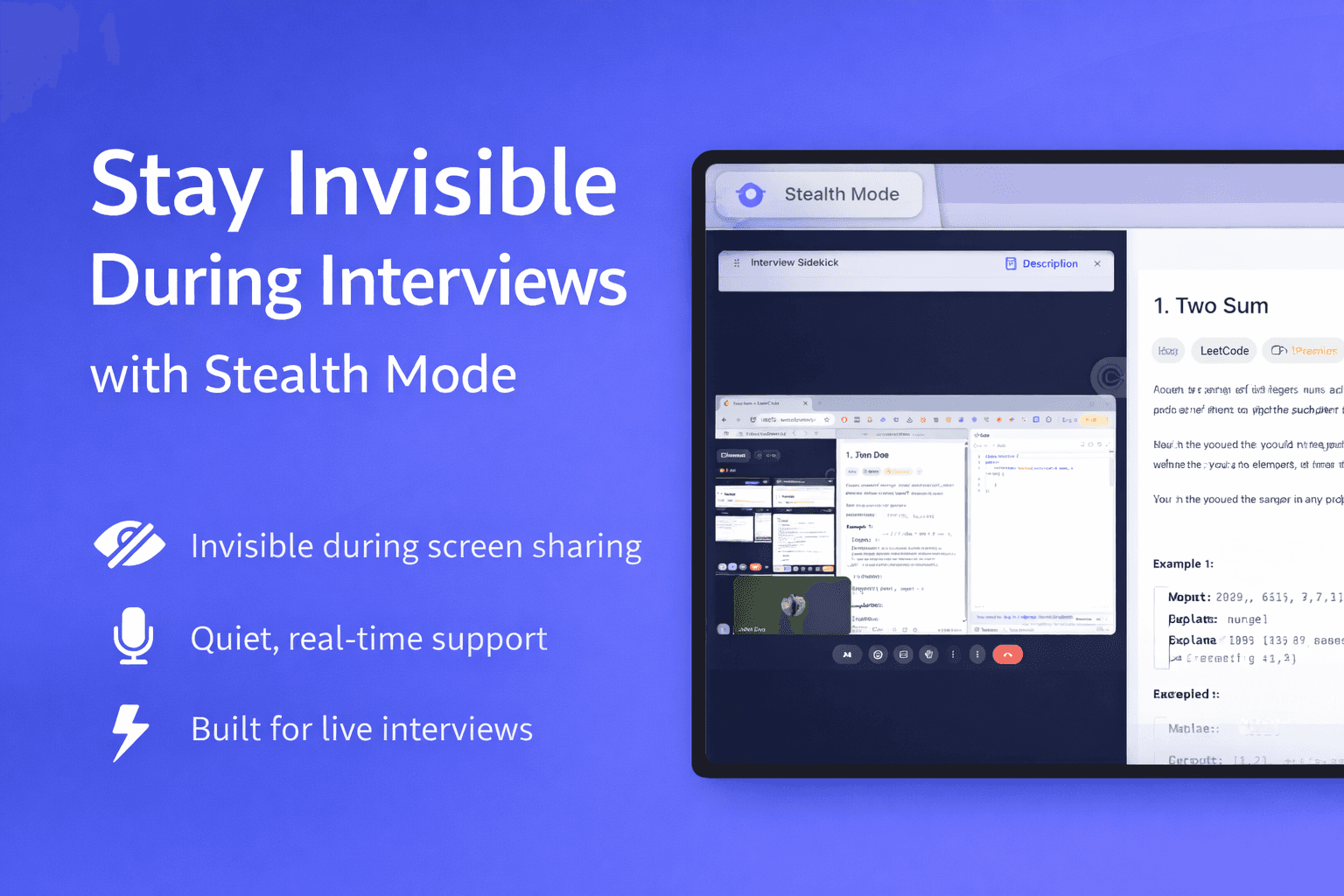
Featured image showing Interview Sidekick’s Stealth Mode providing invisible real-time interview assistance during a live video interview, remaining hidden during screen sharing while supporting coding and technical questions.

Stealth Mode by Interview Sidekick

Interview Sidekick has launched Stealth Mode, delivering invisible, real-time AI interview assistance designed for live interviews.
What Stealth Mode does
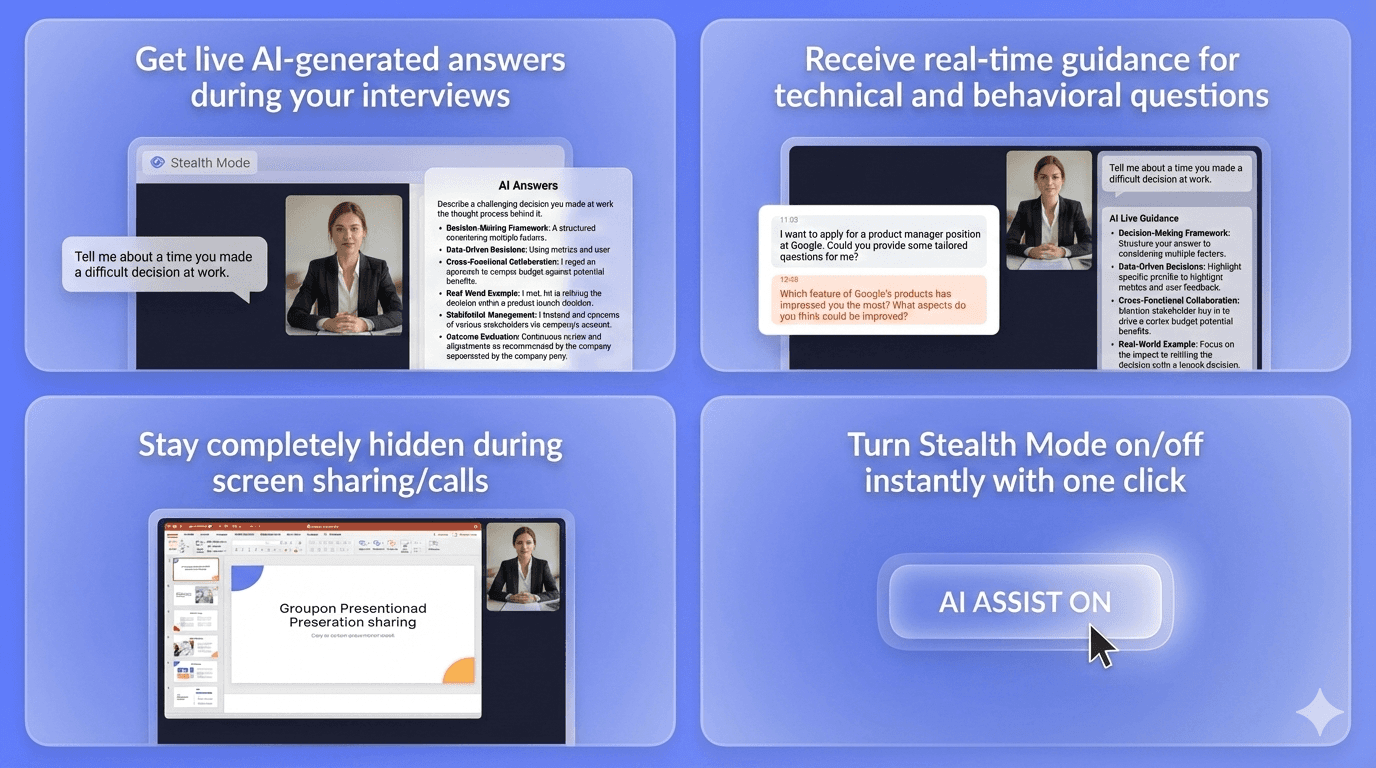
  • Gives you live AI-generated answers to interview questions as they’re asked

  • Provides real-time guidance during live interviews, including behavioral and technical questions

  • Stays completely invisible during screen sharing and video calls

  • Runs quietly in the background with no visible app or interface

  • Lets you turn support on or off instantly with a single click

Who Stealth Mode helps

  • Job seekers interviewing at FAANG and top tech companies

  • Candidates in technical, product, engineering, and coding interviews

  • People who want real-time help without showing anything on screen

  • Non-native English speakers who want clearer, more structured answers

  • Anyone who wants extra confidence without changing the interview experience

Stealth Mode puts help exactly where you need it, out of sight, but always within reach.

-> Download Interview Sidekick's Desktop App with Stealth Mode

Why Stealth Mode Matters

Graphic showing Interview Sidekick Stealth Mode benefits, including support for all interview types, a distraction-free interface, and real-time AI assistance that helps candidates stay calm and confident during live interviews.

Interviews are high-pressure moments. Even well-prepared candidates can lose their train of thought, forget examples, or struggle to respond clearly when questions come unexpectedly.

AI interview tools can help, but many of them create a new problem. They show visible windows, overlays, or pop-ups that can appear during screen sharing or video calls. That makes them distracting, risky, or unusable in real interview settings.

Stealth Mode was built to solve this.

It allows job seekers to receive real-time interview support without putting anything on screen, without interrupting the conversation, and without changing how the interview looks or feels to the interviewer.

The result is a calmer interview experience, better answers in the moment, and support that stays private, quiet, and completely invisible.

How to Enable True Stealth Mode in Interview Sidekick

True Stealth Mode is available through the Interview Sidekick desktop app. To keep real-time assistance completely hidden during interviews, job seekers need to install and use the desktop version.

Step 1: Download the Desktop App

  1. Go to Interview Sidekick site and Click on Download

Interview Sidekick's Desktop Application
  1. Choose the version that matches your device (Apple Silicon or Intel Mac).

Step 2: Install and Open Interview Sidekick

Once installed, launch the desktop app and sign in to your Interview Sidekick account.

Interview Sidekick Desktop Application Interface

The desktop app enables features that are not possible in a browser, including Stealth Mode and automatic audio capture.

Step 3: Enable Stealth Mode

Inside the desktop app, look for the eye icon in the title bar.

Stealth Mode Activation and Deactivation
  • Click the eye icon to turn Stealth Mode on

  • Click it again to turn Stealth Mode off

When enabled, Interview Sidekick:

  • Disappears from the dock and taskbar

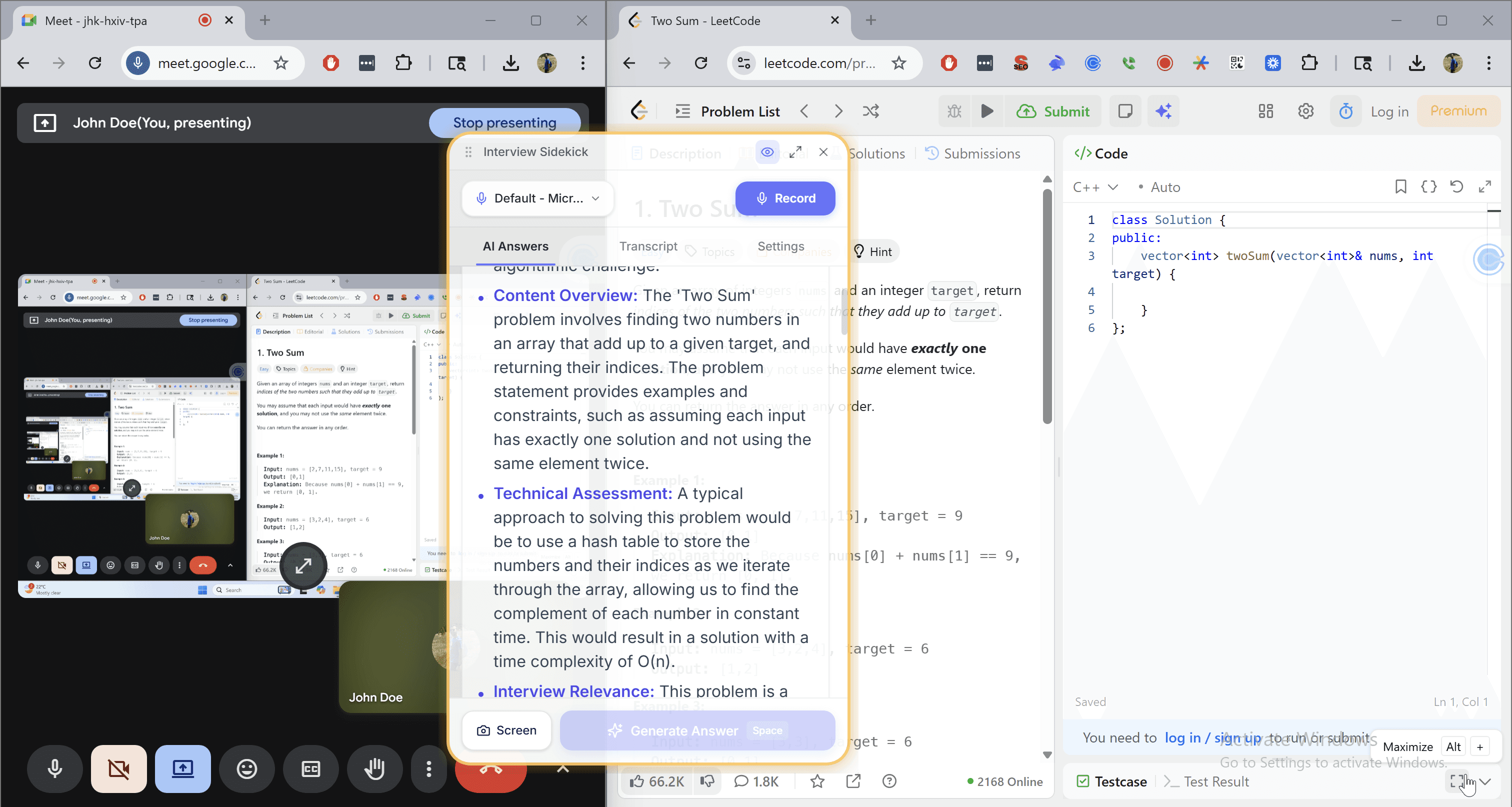
  • Remains invisible during screen sharing and video calls

  • Continues providing real-time interview assistance in the background

Step 4: Start Your Interview

With Stealth Mode enabled, you can join live interviews knowing that:

  • Only the interview screen is visible

  • No AI interface appears on screen

  • Support stays private and distraction-free

What Users Get with Stealth Mode

Invisible to Screen Sharing

Interview Sidekick stays completely hidden during video calls and screen sharing. Nothing appears on screen, even when you’re presenting or sharing your desktop.

Hidden from Dock and Taskbar

When Stealth Mode is enabled, the app disappears from the dock and taskbar. Interview Sidekick continues working quietly in the background without drawing attention.

One-Click Control

Stealth Mode can be turned on or off instantly using a single click. Get support when you need it, and hide it just as fast.

Full AI Interview Assistance

Stealth Mode doesn’t limit functionality. You still get:

  • Real-time AI-generated answers to interview questions

  • Help with coding, system design, and technical problems

  • Clear, structured responses for behavioral questions

All delivered discreetly, without interrupting the interview.

-> Stealth Mode gives job seekers powerful interview support, without changing what interviewers see.

Why Stealth Mode Is a Game-Changer

Works Across Interview Types

Stealth Mode supports a wide range of interviews. Whether you’re answering behavioral questions using the STAR method, explaining past experience, or working through technical and coding problems, support is available in real time.

No Distracting Interface

There are no pop-ups, overlays, or visible windows. You don’t need to switch tabs, resize screens, or worry about something appearing mid-interview. Everything runs quietly in the background.

Helps You Stay Calm and Focused

Knowing support is available reduces pressure. Stealth Mode helps you stay in flow, recover quickly when you blank, and respond with more confidence, without breaking eye contact or the conversation.

-> Stealth Mode doesn’t change how interviews work. It simply makes them easier to navigate.

Ethics in Context

Stealth Mode is designed to support job seekers, not replace their skills or misrepresent who they are.

It acts as a confidence and clarity tool, helping candidates organize thoughts, recall examples, and respond more clearly under pressure. How it’s used is always up to the individual, and we encourage responsible use aligned with personal values and interview expectations.

Stealth Mode is especially helpful for:

  • Non-native English speakers who want clearer phrasing

  • Nervous candidates who perform better with quiet guidance

  • Job seekers navigating fast-paced or high-pressure interviews

The goal isn’t to change who you are, it’s to help you show your best self when it matters most.

Quick Comparison

Here’s how Interview Sidekick Stealth Mode compares to other interview setups:

Feature

Interview Sidekick + Stealth Mode

Interview Sidekick (No Stealth)

Other AI Tools

Real-time interview assistance

Invisible during screen sharing

⚠️ Sometimes

Hidden from dock / taskbar

One-click enable / disable

⚠️ Limited

No visible UI or overlays

Built specifically for live interviews

⚠️ Varies

Note: Feature availability may vary by tool and setup.

Get Started with Stealth Mode

Stealth Mode is available through the Interview Sidekick desktop app.

  • Download the Desktop App to enable True Stealth Mode

  • Try Stealth Mode using a free test session

  • Upgrade to unlock unlimited real-time interview assistance

With Stealth Mode, you get support when you need it, without changing what interviewers see.

👉 Download Interview Sidekick’s Desktop App

Turn

failed interviews

into

offers accepted

with Interview Sidekick

Get Started

Interview Prep

Prepare for job interviews with real questions asked at real companies.

Real-Time Interview Assistance

Activate your ultimate sidekick in your interview browser for real-time interview guidance.

Question Bank

Browse through 10,000+ interview questions so that you can know what to expect in your upcoming interview.

Turn

failed interviews

into

offers accepted

with Interview Sidekick

Get Started

Interview Prep

Prepare for job interviews with real questions asked at real companies.

Real-Time Interview Assistance

Activate your ultimate sidekick in your interview browser for real-time interview guidance.

Question Bank

Browse through 10,000+ interview questions so that you can know what to expect in your upcoming interview.

Turn

failed interviews

into offers accepted

with Interview Sidekick

Get Started

Interview Prep

Prepare for job interviews with

real questions asked at

real companies.

Real-Time Interview Assistance

Activate your ultimate sidekick in

your interview browser for

real-time interview guidance.

Question Bank

Browse through 10,000+ interview

questions so that you can know

what to expect in your

upcoming interview.